Case study / 2026
EasyEngine MCP
An MCP integration for EasyEngine Dashboard that lets operators manage WordPress hosting from an AI client using their existing account permissions.
- My contribution
- At rtCamp, I designed and implemented the MCP integration and worked on release automation and operator setup.
- Verification
- I worked on integration tests for resource access through Dashboard permissions and the confirmation step before a destructive action.
The hosting context
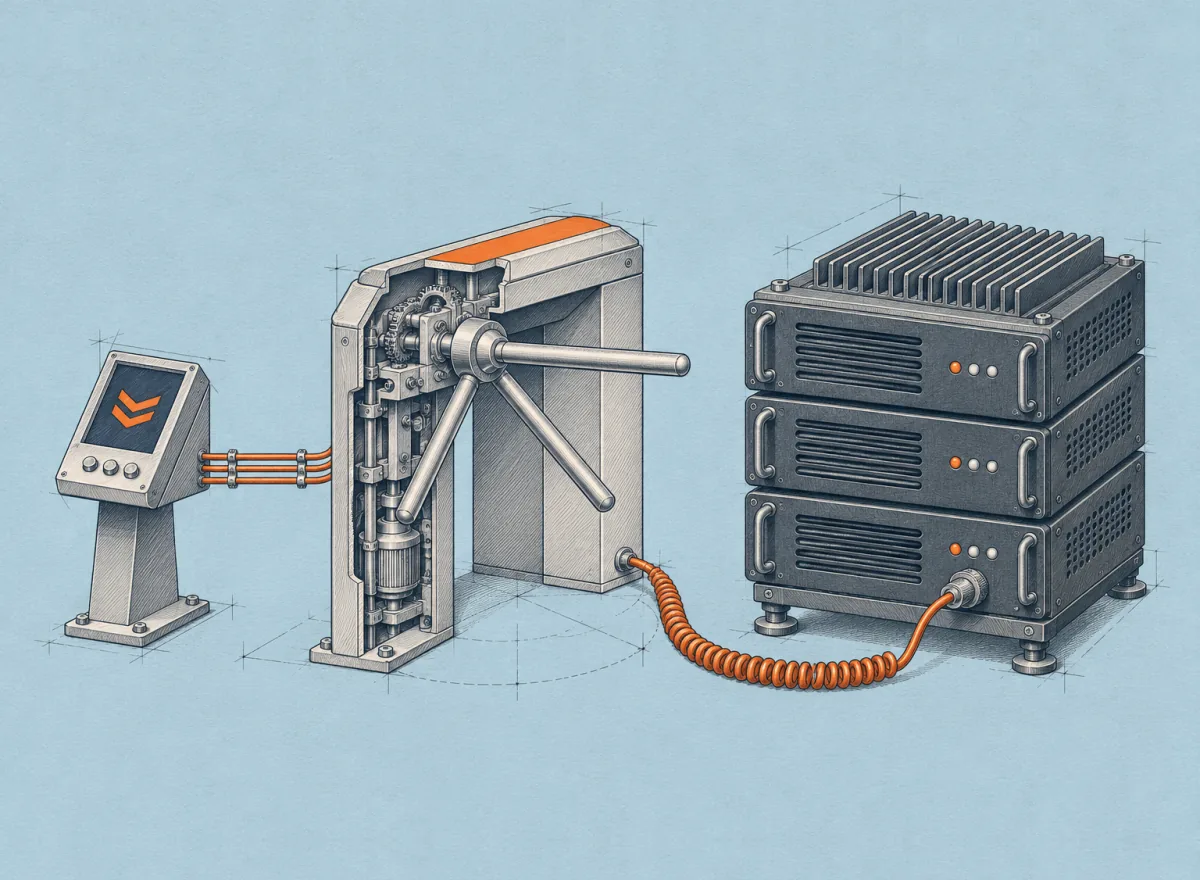
EasyEngine Dashboard gives hosting teams a control panel for their sites, servers and backups. An operator can connect an AI client and sign in with a Dashboard account. Tool actions use the operator’s permissions, and destructive changes require confirmation.
My contribution
At rtCamp I designed and implemented the MCP integration for EasyEngine Dashboard. I worked across the server, integration tests, release automation and setup documentation so operators could connect their existing Dashboard accounts to an AI client.
Test the permission boundary
My integration test work covered which resources a signed-in account can act on and whether a destructive action waits for confirmation. The public guide shows how an operator grants access when connecting an AI client and revokes it from Connected Apps.